Harsh Driving on Telematics Guru

Written by Matthew Clark-Massera
Updated at October 31st, 2024
Harsh driving logs are created by devices and sent to Telematics Guru (TG). TG can create events based on these logs. The events can be used for reporting.
To get started, ensure your device is setup correctly, with the right firmware and system parameters. Ensure that the harsh driving thresholds are tailored to the type of vehicle. These settings are done on the OEM Server Admin Interface. below for example. if you're not sure what to use for values, setting them low to generate record logs during normal driving and then raise them until you're okay with the reporting.

Once the device is setup to log harsh events, TG must be told to store the events for corresponding asset. Do this by going to Assets->Manage Assets and clicking on an asset. Go to the Log Events tab. Tick "Log Harsh Events".

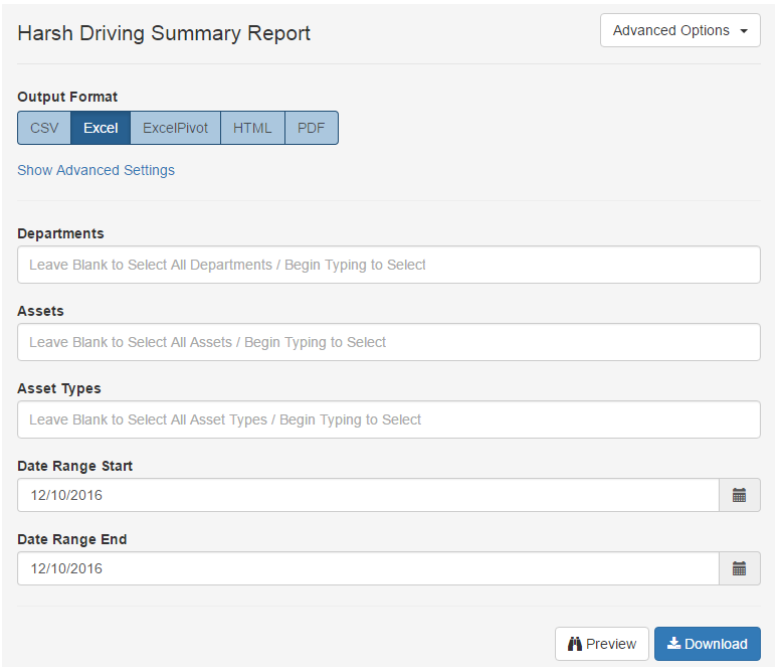
- Harsh Driving Summary: total counts of events, grouped by assets
- Harsh Driving Detail: each event is listed separately.
Alerts on Harsh Driving logs are also possible. The alert setup shown below would create an alert each time the device logs a harsh acceleration record. Additional similar events may be needed for harsh braking and cornering.

